
How it works
Get started on your own time.
No installer, no technician and no waiting for someone to show up. You can do the entire thing yourself, from your own counter.
Subscribe
Pick your plan here at asp-software.ca. Your ASP is set up for you automatically while you wait, and you choose your password right there.
Connect your current POS
In Data Management, choose your current POS and approve read-only access on its own sign-in screen. ASP can look, but it can never change anything in your old system, so your store keeps running exactly as it is.
Preview
Before anything moves, ASP reads everything and shows you what it found: products, stock, customers, loyalty balances and every sale. Check it over before you commit.
Compile
ASP brings it all in: brands and categories, every product and variation, your stock, your customers with their loyalty balances, and your full sales history, receipt by receipt.
Compile again when you switch
Need a few more days on your old system while your team gets comfortable? Keep selling there. On the day you switch for good, Compile again and ASP brings your store over fresh, up to that day.
Learn at your own pace
Find step-by-step instructions in the Help Center.
Stuck on something, or just have a question? The ASP team replies within one business day, and sets up a call when it helps.
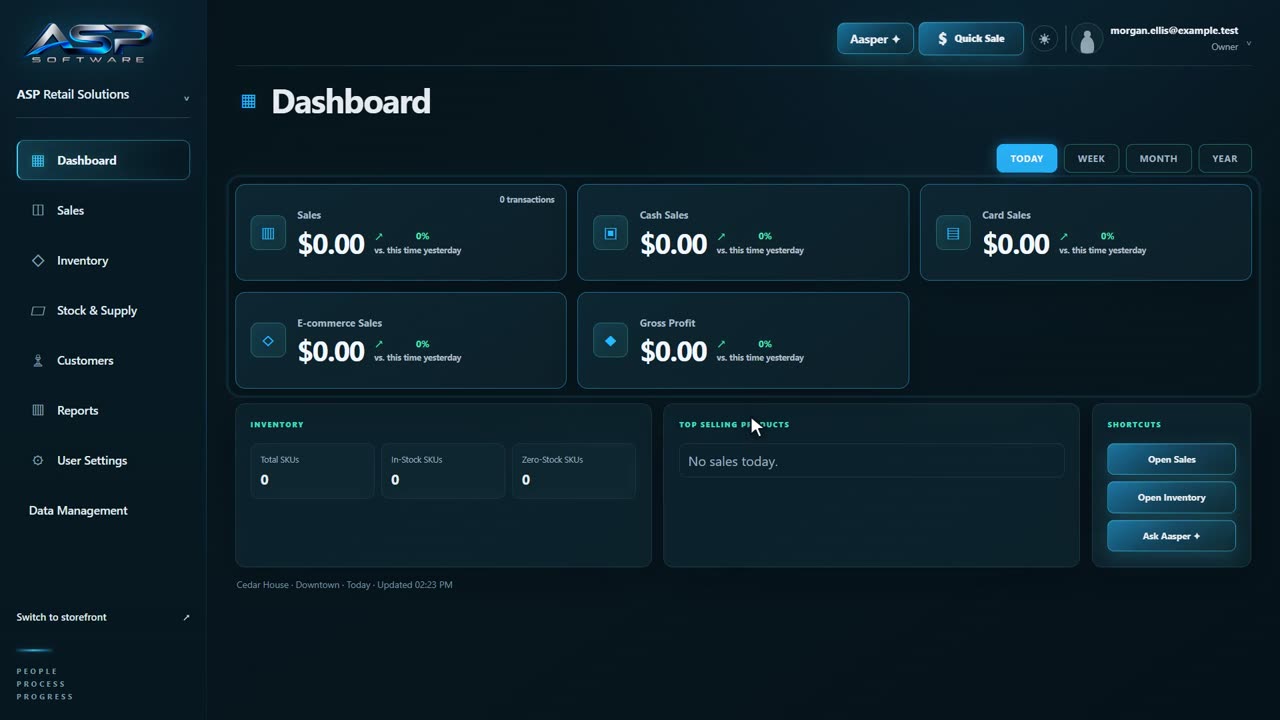
Subscribe, connect, and you're running on ASP.
Without anyone ever needing to visit your store. No contracts, cancel anytime.
See plans